What is Connect?
It's a private, members-only social network dedicated to helping you reach your goals.
Our members-only digital community Connect is filled with people like you who are also working towards weight loss and wellness. Use their journeys to fuel your own!
7 ways to use Connect
Post photos or videos of your journey, such as recipes you love, moments that inspire you, and your successes along the way. Or, post a poll to get feedback from fellow members on whatever topic you'd like, from which outfit to wear to which recipe to try.
Find and follow people. See how other members are getting healthier and spending their Points® - then borrow their best tips. Believe us, you'll dig up some brilliant ideas.
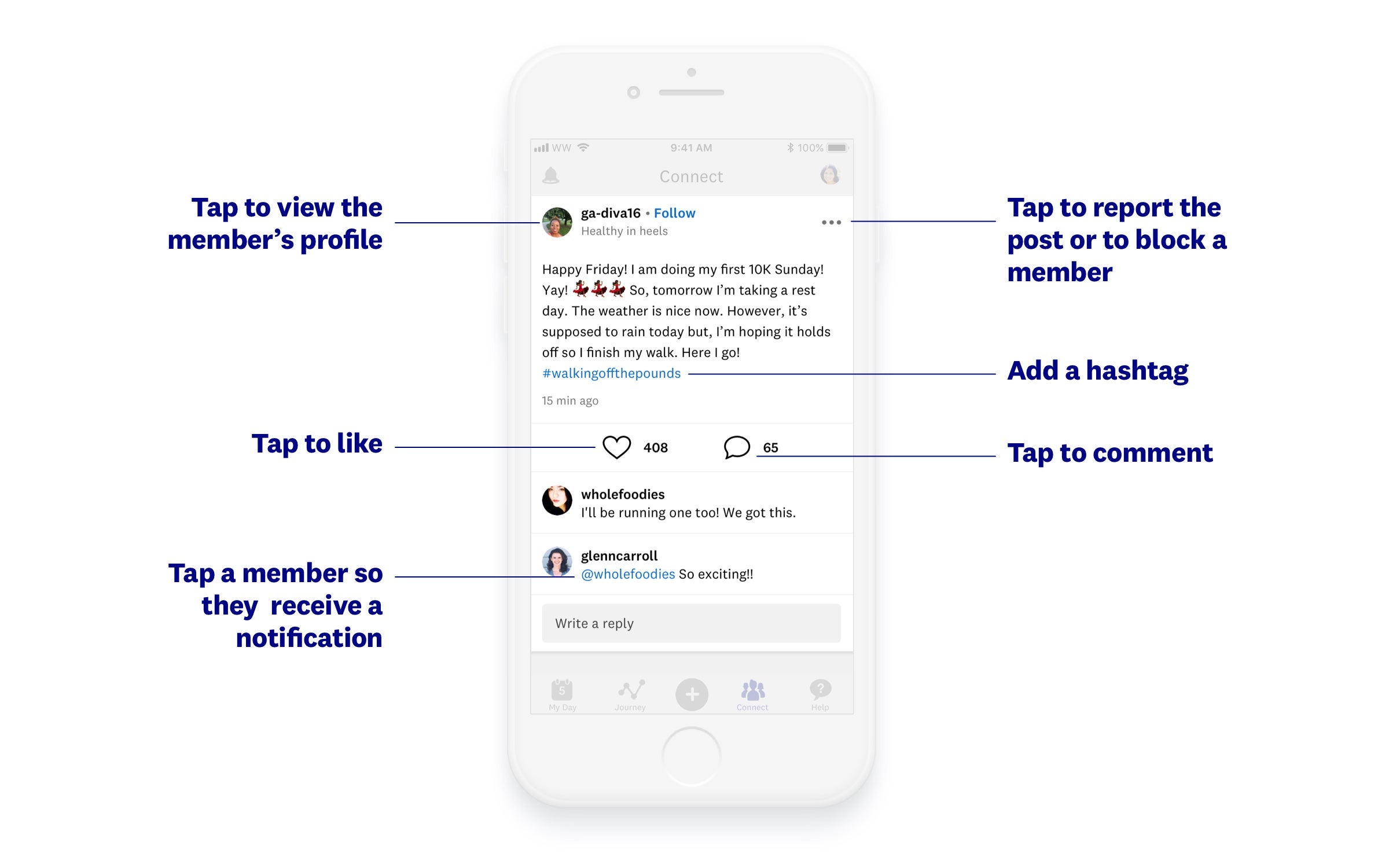
Pay it forward. Cheer on other members by liking and commenting on their posts. They'll do the same for you (and it will give you the warm and fuzzies each time).
Join a Connect group. You'll meet other members who share your interests, location, life stage, or goals. Go to the top of your Connect feed and tap 'Browse groups.' Then search for the group you're interested in! We've got amazingly supportive groups for newbies, brides, bros, mums, and more.
Take part in a challenge. Join fellow members who find motivation in challenges by joining the Up for a Challenge Connect group. You'll be able to participate in challenges hosted by WW and other members, or you can start one of your own!
Participate in Connect events. Follow @wwukofficial to learn about upcoming events like live cookalongs or workout sessions with a WW expert. These events truly bring out the magic of Connect.
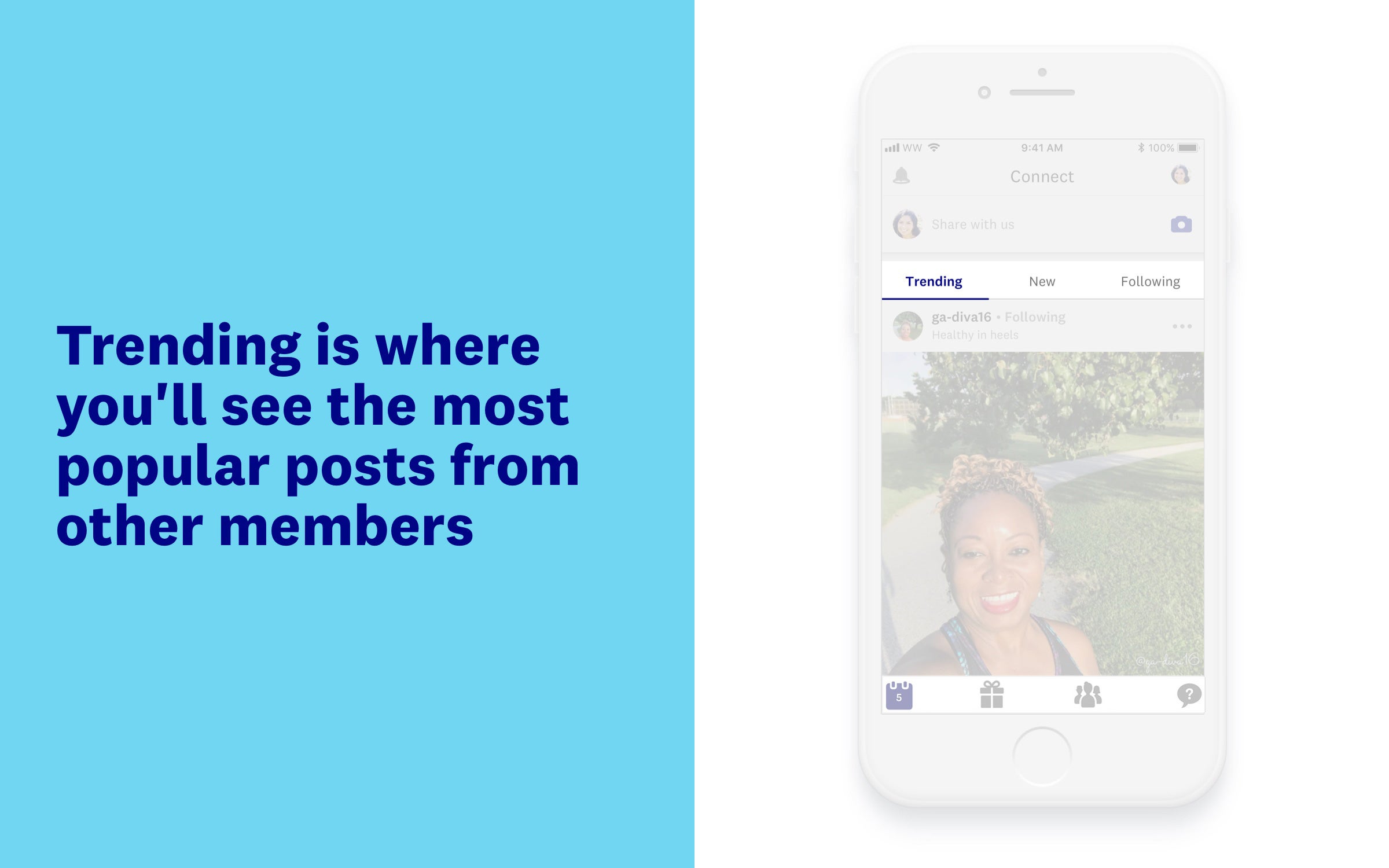
Check out trending posts. See which posts other WW members are loving! Feel inspired, or lend your support with a reaction or comment. You can also view posts according to how recently they were posted ('New') or only view posts by members you're following.
How do I post on Connect?
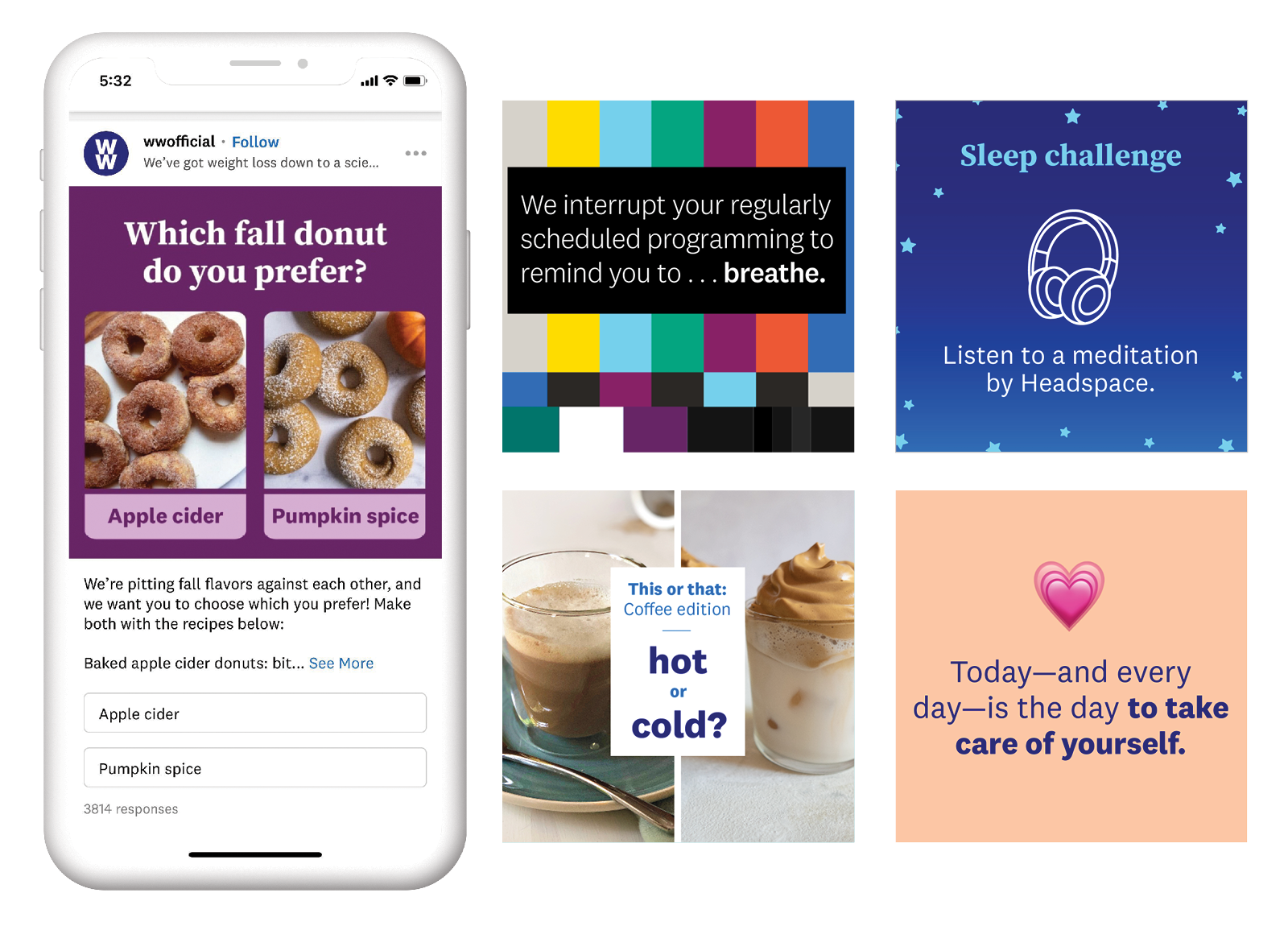
You can post anything that relates to your life - photos of healthy foods you've made, the activity you're doing, and selfies! To join the conversation, tap on the Connect icon at the bottom of your home screen on the WW app. (It looks like people standing together. There's strength in numbers!)
First tap on “Share with us…”
How do I respond to a post?
How do I join a group?
Tap “Browse groups"
Check out all the different categories, from "Journey" to "Events" to "Identity" and more!
Tap on each to see groups within you can join OR search for a group using the search bar.
If you’d like us to create a group that’s not there already, tag @WWMemberSupport with your idea!
How do I protect my privacy?
The very first time you create a post, you'll need to select a privacy setting:
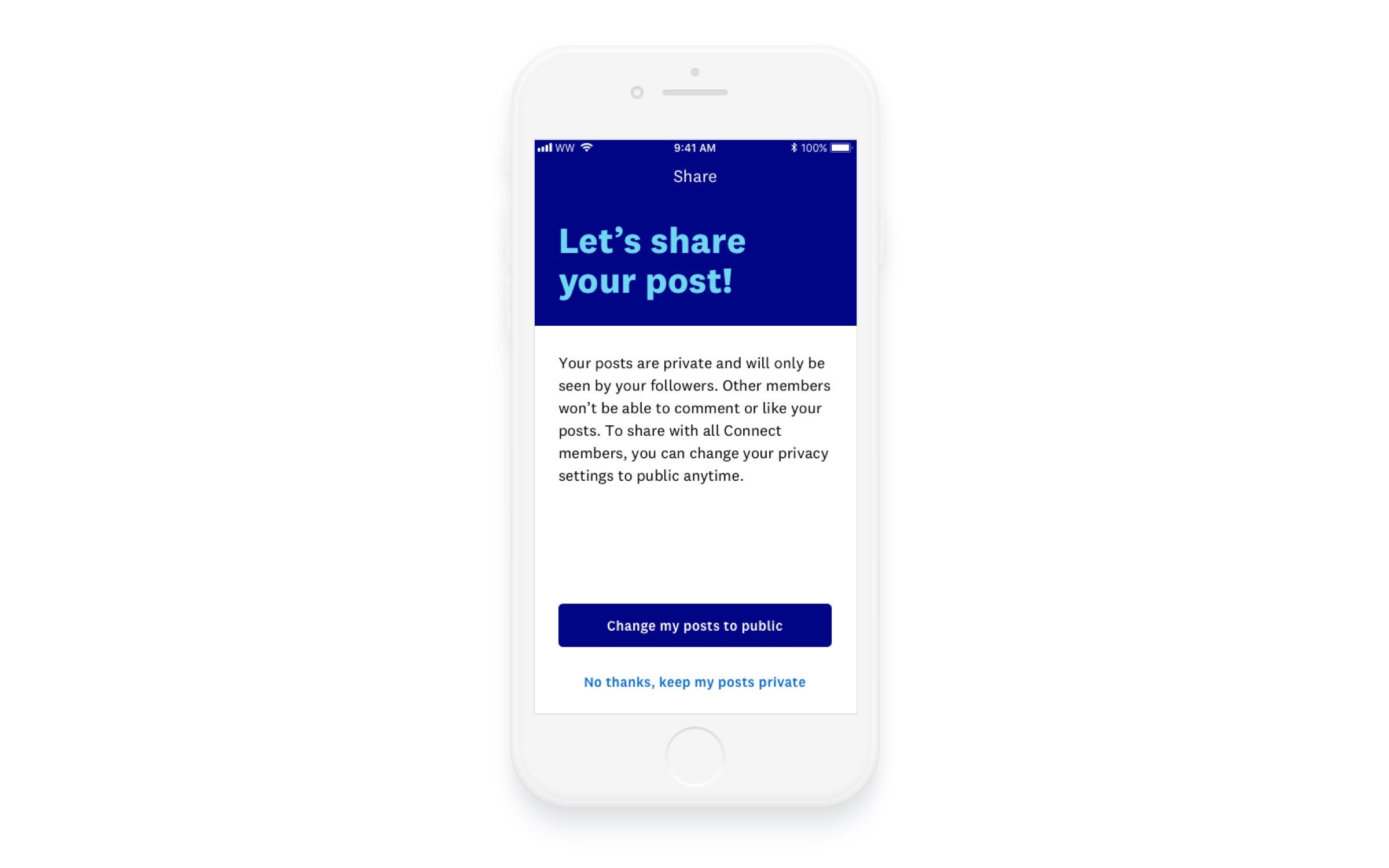
Public posts
This means that your posts are visible to other members and will appear in the general feed. Other members can choose to follow you without requesting your approval. Your age, gender, weight, and other personal information are always private.
Private posts
This means your posts aren't visible to other members unless you specifically approve them. Other members can request to follow you but they won't see any of your posts until you give your approval. Your age, gender, weight, and other personal information are always private.
Is there anything else I need to know?
Sure! You can follow @wwukofficial on Connect for tips, motivation, success stories, and more. Having app-related issues? Tag @wwsupportuk.