Tips for syncing your fitness device
It's the simplest way to keep track of your FitPoints.
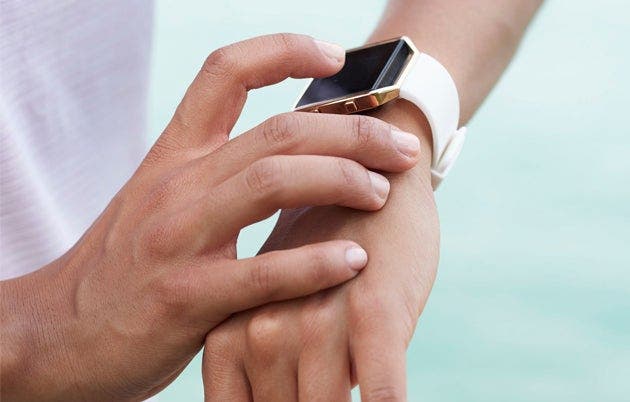
Being active outdoors is a great way to de-stress, get some fresh air, and rack up some FitPoints. The fastest and easiest way to make sure that you’re getting the right amount is to sync your fitness device. It only takes two minutes.
Here’s how:
Open the WW app.
Tap the person icon in the top right corner.
Then, tap the gear icon in the top right.
Next, tap Activity Settings.
Select "Device.”
Tap "Device" again and you'll see a dropdown menu of all the branded devices you can sync. Tap the one you own to log in.
Which devices can I sync?
You can currently sync to Apple Health, FitBit, Garmin, MapMyRun, Daily Burn, Withings, and several different wireless scales.
NOTE: If you connect your device but don’t see your data right away, keep in mind that it can (but usually doesn't) take up to 2 hours to retrieve your data from the device or app.
Once you're synced, go out there and earn some FitPoints! See how other members #movemore on Connect.