How to find and follow profiles on Connect
It's easy when you know how!
By Weight Watchers
Published 14 May 2020
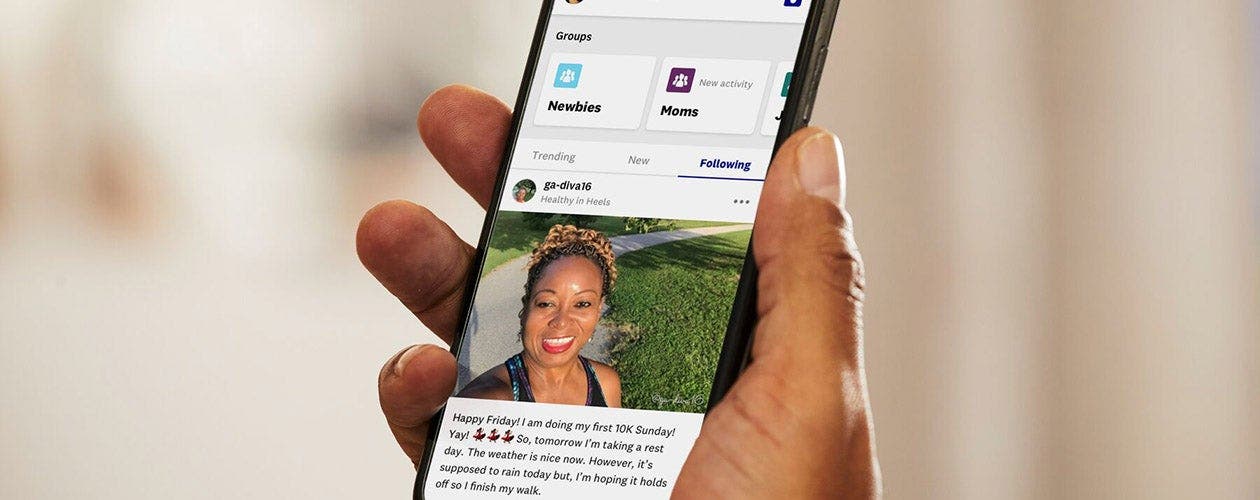
Our new wwukofficial Connect profile is the best place to stay up-to-date with all the exciting new experiences and features in the WW app.
We're busy posting about our new virtual experiences (like live cookalongs, workouts and city tours), brand new features (like sleep tracking and water tracking) and new episodes of our Wellness That Works podcast - not to mention recipe videos and links to content you'll love.
It's definitely a profile you want to follow in Connect, especially if you're taking part in our Treasure Hunt as it's where you'll find your next clue!
Here's how to do it:
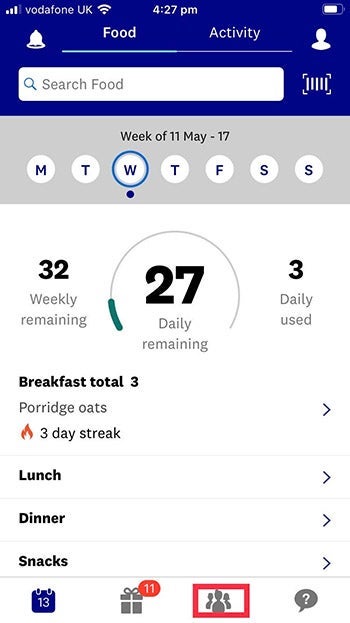
1. On your My Day screen, tap the Connect icon at the bottom
2. In Connect, tap the search bar at the top
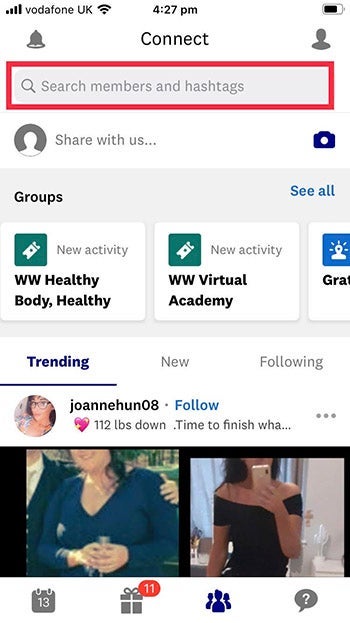
3. Type wwukofficial into the search bar and then tap the profile
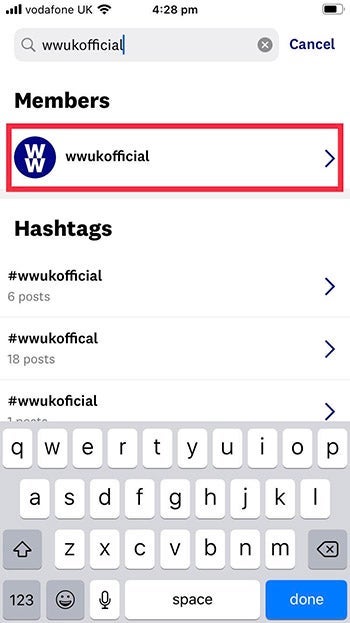
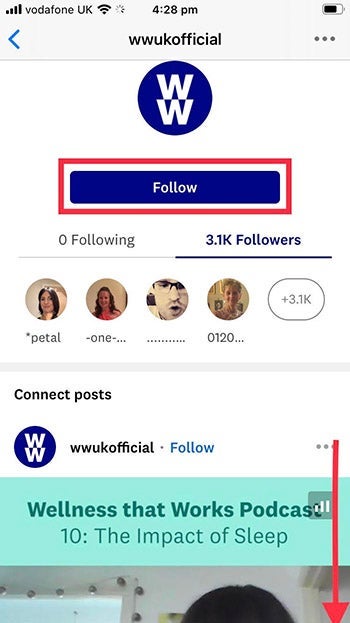
4. Tap follow and then scroll down through the posts until you find the next clue