Swapping FitPoints
By Weight Watchers
Last updated January 15, 2019
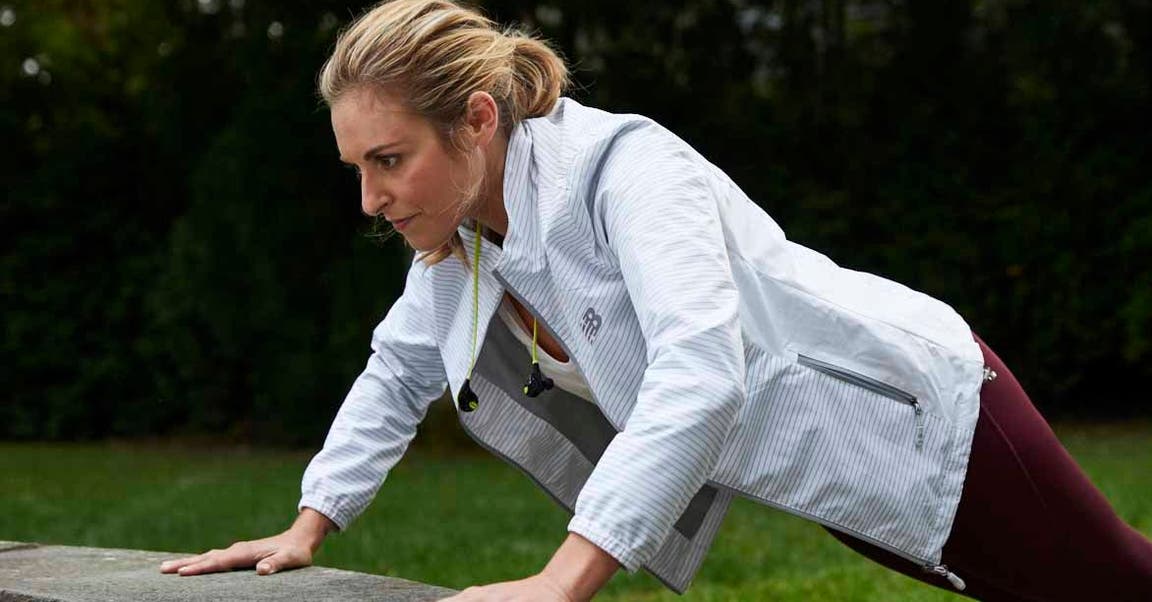
If you feel like you are eating into your weeklies too fast, change your settings to swap your FitPoints. This ensures you will chip away at your FitPoints before touching your weeklies.
Swapping FitPoints
Go into your settings on the app or in My Day.
Go to Food Settings
Click on “Swapping”
Tap on Swap my FitPoints first
You’re all set!