How to use the My Day dashboard
A cheat sheet to help you navigate the new site

My Day - My Food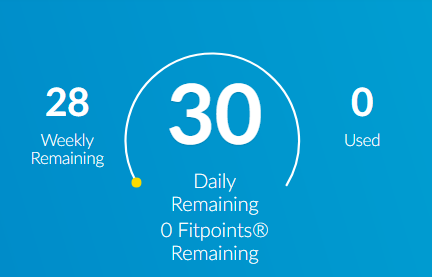
This area tells you how many SmartPoints you’ve used. The large number represents your remaining daily SmartPoints values and the smaller number to the left tells you how many you have left in your weekly allowance. If you’ve opted to swap your activity, it also tells you more about how much activity you have left. (Daily or weekly, depending on your swapping settings.)
If you’re following the Simply Filling technique, you’ll see a different version of this screen. (Don’t feel like tracking? Learn more about Simply Filling here.)
My Day - My Activity
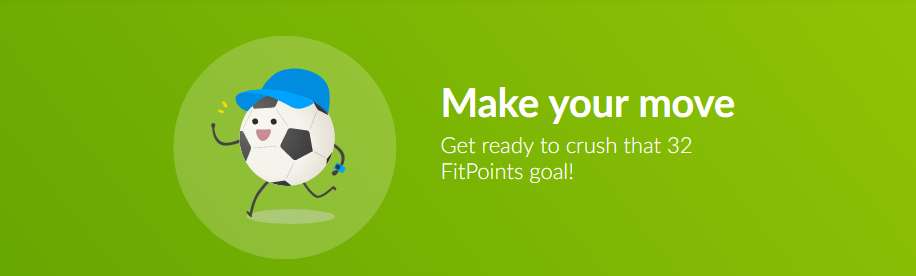
Track your activity in FitPoint, minutes, or steps. See your personalized FitPoints goal and how close you are to reaching (or exceeding) it.
Learn more about our approach to fitness.
Track bar
The Track bar allows you to:
Search for foods in the Weight Watchers database
Quick Add a food (you can also access the Calculator)
See your Favourites (As you scroll down within your foods, you’ll see “More Results” at the bottom. Click on it and you’ll see the rest of your list.)
See “My Foods” (all the foods you have created, plus recipes and meals)
Track activity (also access our activity database and some popular workouts)
Track your weight
When you select a food to track it, you’ll also see nutrition details at the bottom. Both nutrition and the SmartPoints icon will update if you change the serving size.
HINT: You can mark the food as a Favourite by clicking on the star. To un-Favourite a food, click on the star again.
Daily food log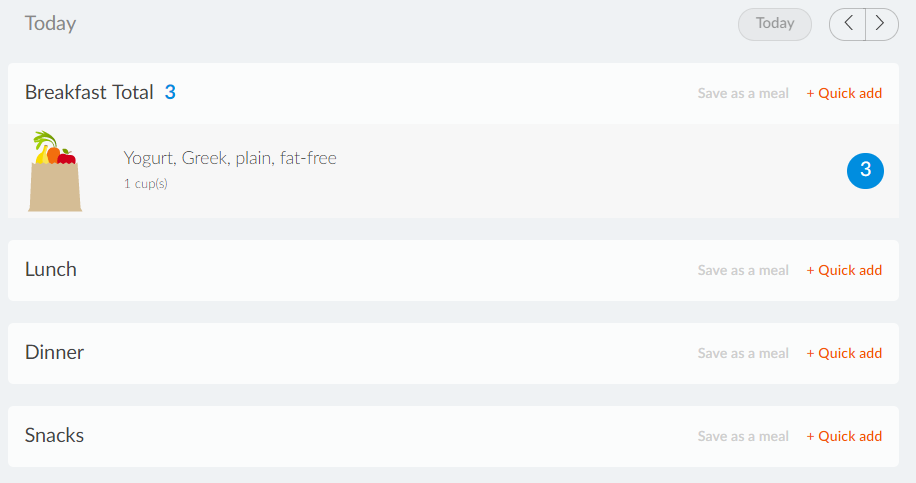
Displays everything you've tracked for that day, grouped by meal time. (Breakfast/Lunch/Dinner/Snacks)
You can also track something directly for a certain meal time by clicking "+ Track for Breakfast” (for example).
Search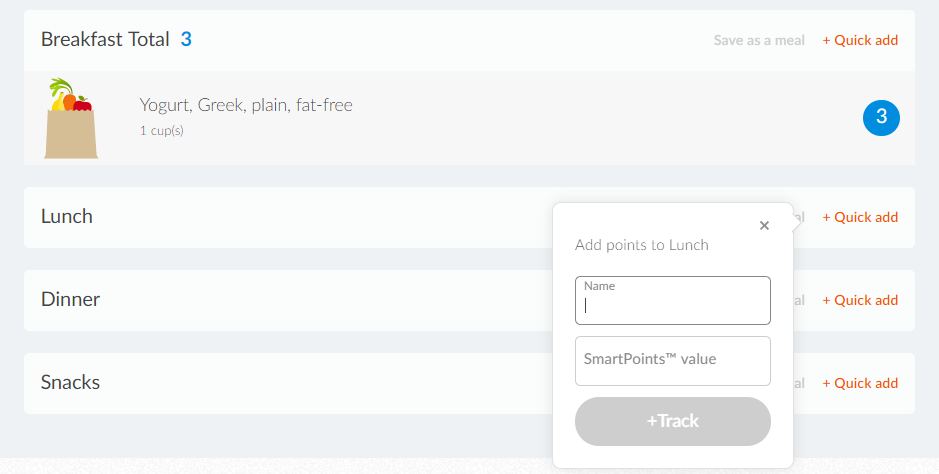
Quick Add is more for experienced members who can calculate SmartPoints values easily. They simply estimate their SmartPoints intake, log the meal time, the date, give it a name, and click Track.
Calculator
It's the second tab, next to Quick Add. (See above.) Just add the nutritional info for the food you want to track and watch the SmartPoints icon change.
A faster way to calculate SmartPoints is to use our Barcode Scanner. (Watch a video of it in action.)
At the bottom, you can select:
Create Food
Create and Track (creates the food and lets you track it right away)
Looking for something and don’t see it here? No worries. If you have a question, the folks at 24/7 Expert Chat should be able to help (it’s on the lower right of the My Day dashboard). Ask them anything about the program or how to use the app. We’re not kidding — if it’s 2am and you think of a question, that’s the place to go.