Beyond-The-Basics Ways to Use the WW App
Scan, sync, search. Chat, track, share.

Beyond-the-basics ways to use the WW app
Scan, sync, search. Chat, track, share.
News flash: Your WW app includes a ton of great tools to help you reach your weight loss and wellness goals. Start with the list below to make sure you're cashing in on all of them.
1. Water tracking
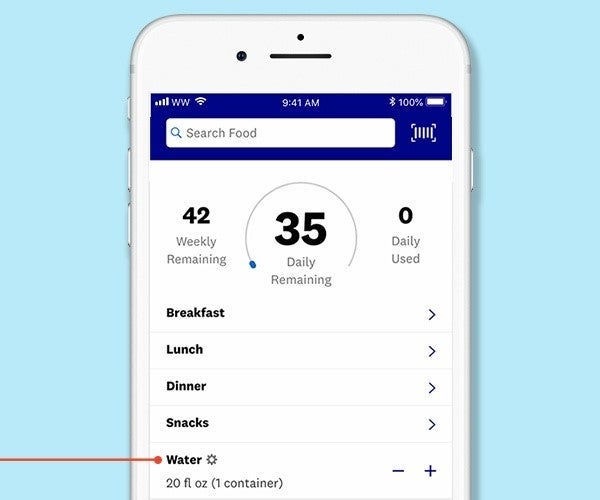
Our newest WW app feature allows you to track how much water you're drinking! Simply tap the “+” icon in the water row that appears on your home screen. You'll see a water animation to indicate the amount that has been tracked.
2. One-tap tracking
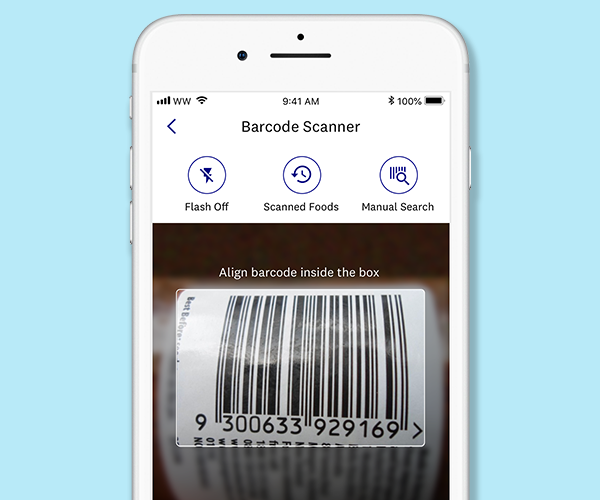
When you’re at the grocery store, you can scan the barcode of a packaged food to get its SmartPoints® value. Save it, make it a favourite, or track it on the spot, and view a list of all your scanned items for quick reference.
3. Sync to your activity device
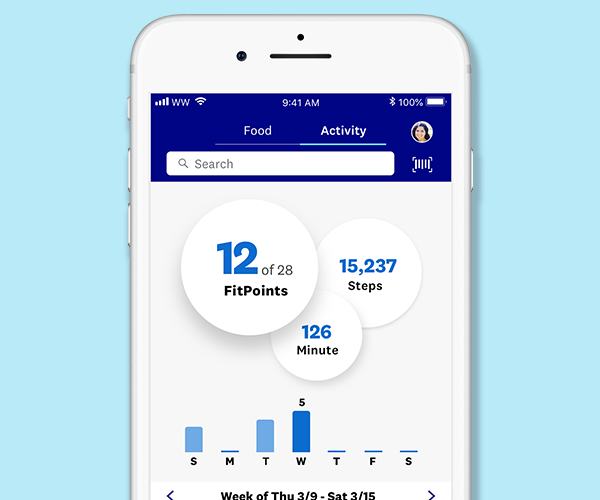
Go smash your weekly FitPoints goal. Just sync your favourite fitness device to the app and it’ll automatically track your FitPoints. Results!
4. Daily recipe suggestions
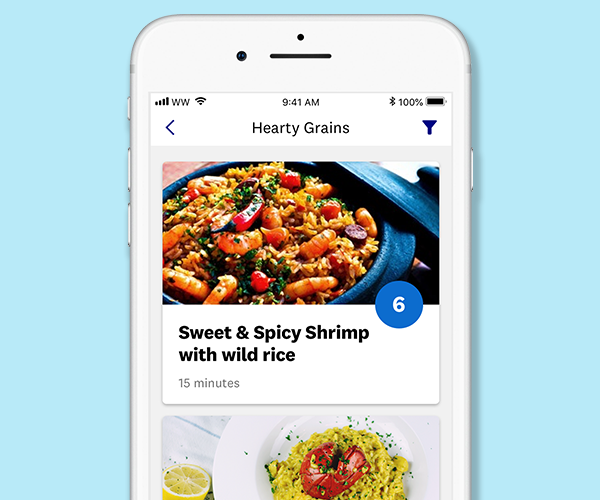
At the bottom of My Day is Discover Recipes, a treasure trove of delicious ideas. Browse ideas like the Brunch Bunch, Sips and Dips, Insanely Delicious Burgers (yep, that’s one of them). Basically, all the things you want to eat live there.
5. Chat with a Coach
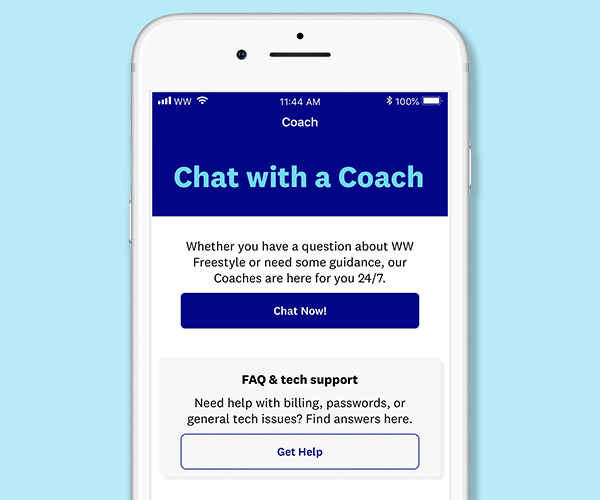
Have a burning question? Need help with the app? You can chat with a real WW Coach who’s ready to answer any question you may have. (Yep, even at 3 am when you’re standing in front of your fridge.)
6. Support from Siri
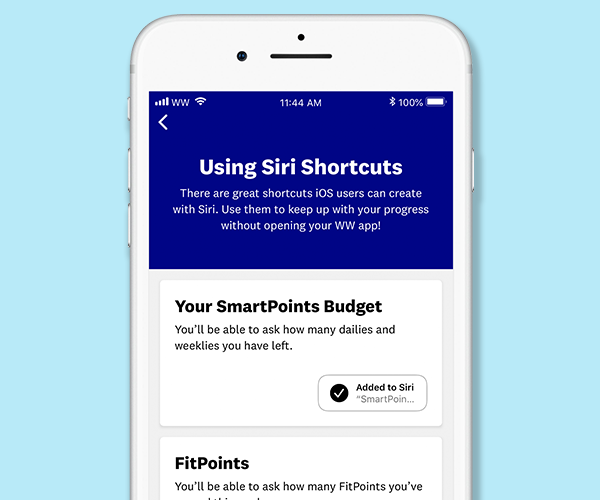
iOS users can have Siri help them maintain their healthy habits. Ask Siri to track your breakfast or tell you how many SmartPoints you have left. Over time, Siri will learn your habits and help recommend shortcuts to keep you on track!
7. Create recipes
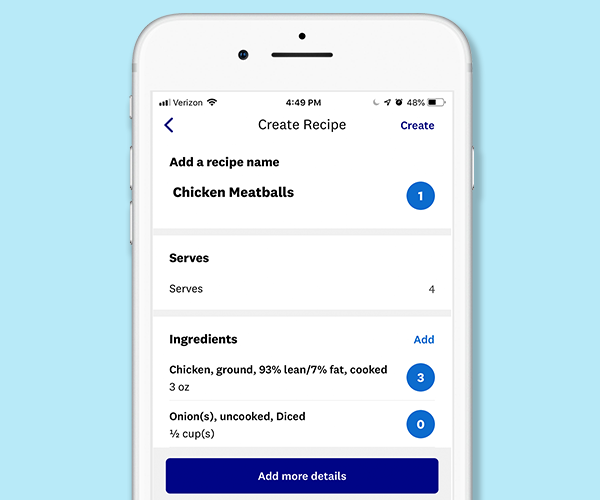
Have a meal you eat regularly? The app has a Create a Recipe feature that lets you save it and quickly track it any time. (No more typing in each ingredient separately.) Have a certain food you eat all the time? Tap the star beside its name and the app will mark it as a Favorite for easy tracking.)
8. Weekly topics + skill builders
Every week we pick a scientifically-based topic that we know will help you work myWW. This Weekly Topic, which you can find in your app, is updated every Sunday.
9. Virtual high-fives
Lost 5 lbs? Reached a FitPoints goal? You’ve earned some well-deserved recognition. We’ll send you messages when you accomplish milestones on your journey.
10. Build your community
Connect, our private, members-only community on the WW app is a huge source of inspiration. These are your people—come meet them!
11. Join the Blue Dot Challenge
Ever wondered what those blue dots are on your Journey tab? They represent days in the Healthy Eating Zone, which means you’re on the right track. See if you can earn a streak and post about your #bluedotchallenge success on Connect!
12. Swap recipes
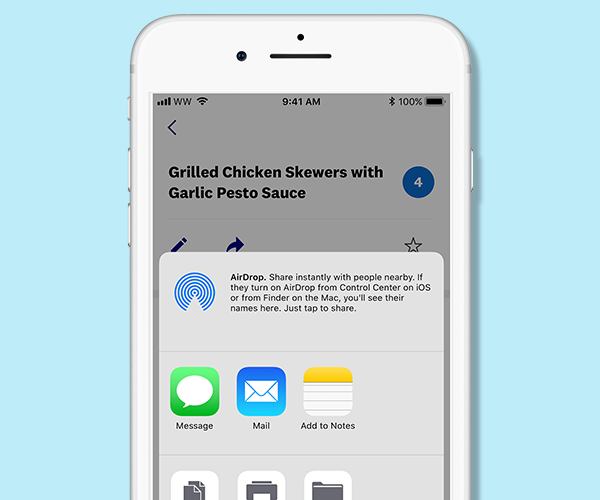
Share your favourite WW recipes via text or email, right in the app. If your friend already has the app installed, the recipe will automatically open so they can save it (and track it) themselves.
13. See your journey
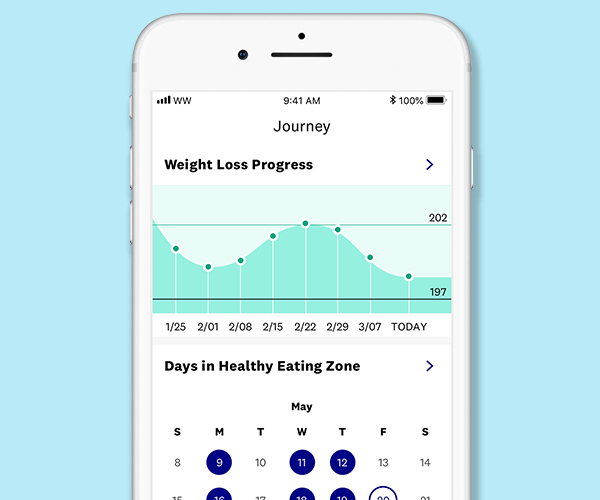
Add your why, track your weight, see your progress, connect with others—it's all here.
14. Meditate with Headspace
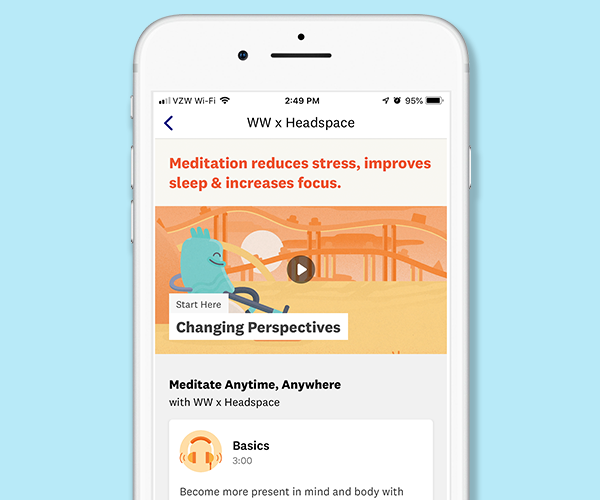
Our partnership with Headspace brings mini moments of mindfulness to your wellness journey. Try exclusive–and free–meditations, just for WW members.
15. Work out with Aaptiv
Get access to Aaptiv's equipment-free audio workouts in your WW app. There's something for every activity level!
16. Choose your goals: weight loss or healthy habits
WW is about wellness for your whole life, that’s why on myWW you can choose to lose weight, or maintain your weight while continuing to build healthy habits. Choose your option in Settings.
17. Switch plans
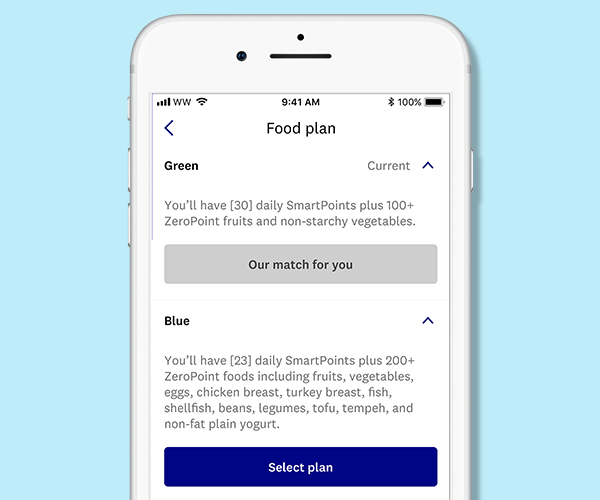
Sometimes you want to try something new. And if you decide that switching plans is what’s best for you, you can do it right in Settings. Go to the home screen and tap on the profile icon in the top right corner. Then tap the settings icon (top right corner) and select "Food settings" and then "Food plan."
We recommend giving it 2 weeks before you make a change. It can take a while to get used to a whole new way of eating and our research shows that 2 weeks is a good amount of time to adjust.