A guide to ordering at Subway
Our how-to for dining at this classic stop for casual fare.
We have a new program! Learn how PersonalPointsTM can help you drop the pounds you want while eating what you love and living your life fully.Learn more
Subway is a classic eatery and an easy go-to for many of us, but you may be wondering how this restaurant fits into your SmartPointsTMbudget. Here’s our guide to some of the most popular menu items, along with their SmartPoints values, so you can make the best choice for you!
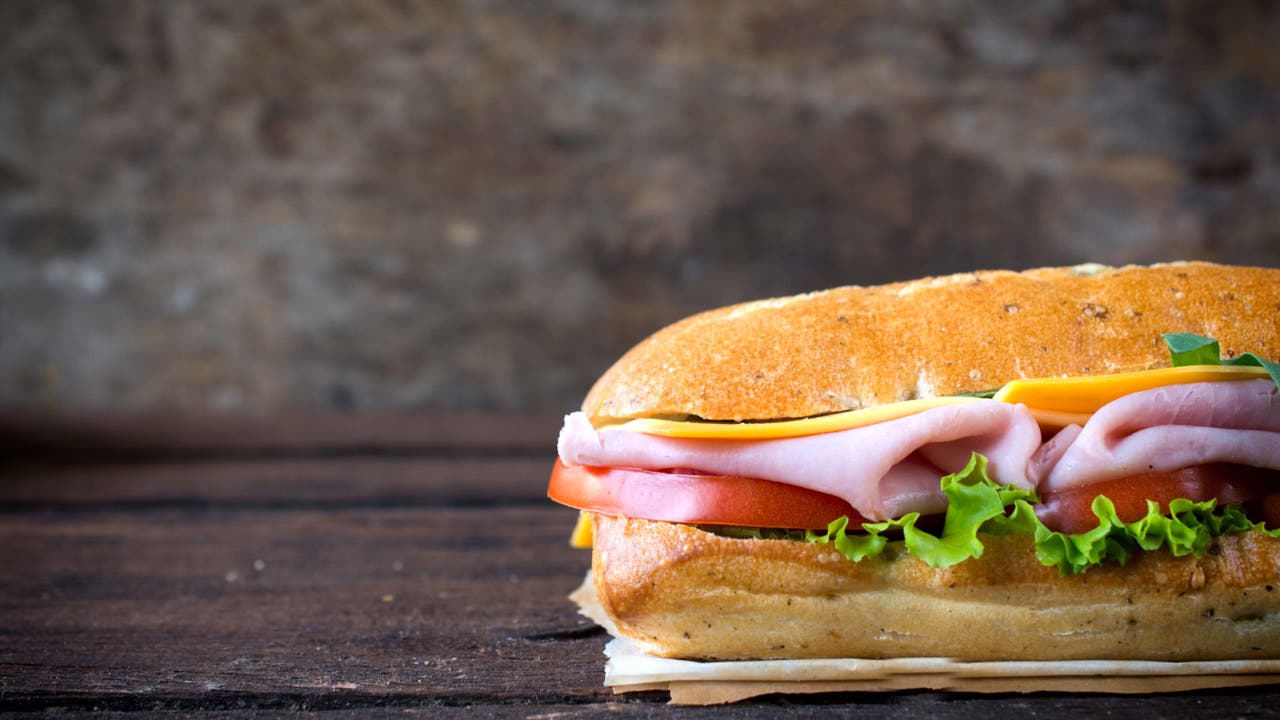
Subway is known largely for its submarine sandwiches – sub’s in the name, after all! – but the chain also offers salads and wraps as main meals. The beauty of a restaurant like Subway is that it’s made for customization, so you can make choices that fit into your lifestyle.
An easy way to keep your order low on SmartPoints is to fill it up with ZeroPoint veggies – something like a salad or a sandwich filled with vegetables. Add-ons like dressings and sauces will bring up your SmartPoints total, so you can reference the table below – or just search for the menu item in your WeightWatchers® App – to check their values.
6-inch sub sandwiches
Menu item | SmartPoints value |
Veggie Delite on 9-Grain Wheat Sub | Green: 7 |
Egg salad on 9 Grain Wheat Sub | Green: 15 |
Oven Roasted Chicken on 9-Grain Wheat Sub | Green: 7 |
Turkey Breast on 9-Grain Wheat Sub | Green: 7 |
Tuna on 9-Grain Wheat Sub | Green: 13 |
Sweet Onion Chicken Teriyaki on 9-Grain Wheat Sub | Green: 11 |
Meatball Marinara on 9-Grain Wheat Sub | Green: 16 |
Grilled Wraps
Menu item | SmartPoints value |
6” Steak Mushroom Melt | Green: 14 |
Italian B.M.T. ® Panini | Green: 20 |
Triple Cheese Panini | Green: 15 |
Add-ons
Menu item | SmartPoints value |
House Sandwich Sauce | Green: 1 |
Light Mayonnaise | Green: 2 |
Fat-Free Honey Mustard Sauce | Green: 2 |
Fat-Free Sweet Onion Sauce | Green: 2 |
Chipotle Southwest Sauce | Green: 4 |
Swiss Cheese or Cheddar Cheese | Green: 2 |
Shredded Mozzarella Cheese | Green: 1 |
Salads and dressings
Menu item | SmartPoints value |
Oven Roasted Chicken Salad (without dressing) | Green: 2 |
Tuna Chopped Salad | Green: 9 |
Club Salad (no dressing or croutons) | Green: 2 |
Fat-Free Italian Salad Dressing | Green: 1 |
Oil and Vinegar Salad Dressing | Green: 6 |
Ranch Salad Dressing | Green: 4 |
Cookies
Menu item | SmartPoints value |
Chocolate Chip Cookie | Green: 9 |
Oatmeal Raisin Cookie | Green: 9 |
Chocolate Chunk Cookie | Green: 10 |
M&M Cookie | Green: 10 |
Peanut Butter Cookie | Green: 10 |