WHY WEIGHT WATCHERS?
BECAUSE IT WORKS.
Points® crunch complex nutritional data into one simple number. Spend them how you want, track them in the app, and make smarter, sustainable food choices.
Points® crunch complex nutritional data into one simple number. Spend them how you want, track them in the app, and make smarter, sustainable food choices.
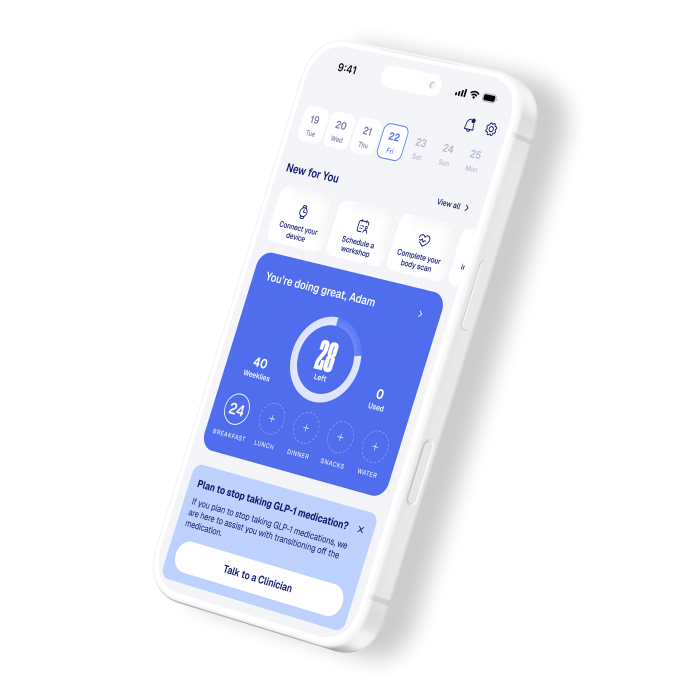
Power your body and your journey with more filling, nutrient-rich foods and macronutrient guidance. Our program is proven to improve your diet quality^.
Power your body and your journey with more filling, nutrient-rich foods and macronutrient guidance. Our program is proven to improve your diet quality^.
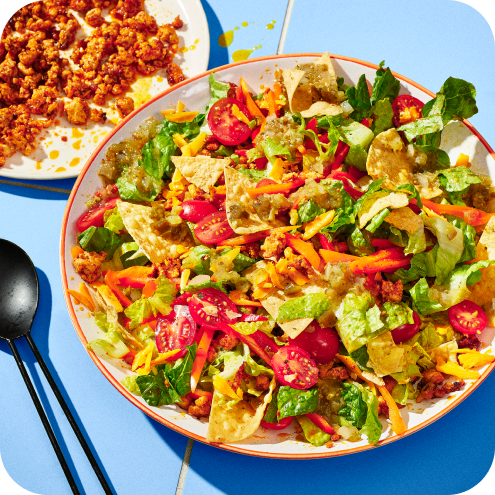
When you don’t white-knuckle weight loss, you win at it. Eat at restaurants. Do taco Tuesday. Still lose weight. Points show you how.
When you don’t white-knuckle weight loss, you win at it. Eat at restaurants. Do taco Tuesday. Still lose weight. Points show you how.
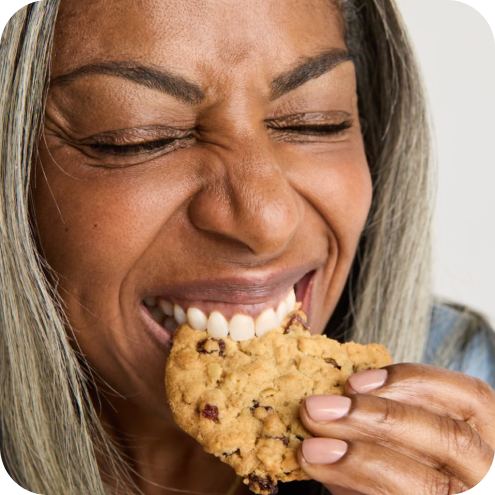
Living with diabetes? Breastfeeding? Taking a GLP-1? You can easily customize the Points Program right in the app to better fit your life right now.
Living with diabetes? Breastfeeding? Taking a GLP-1? You can easily customize the Points Program right in the app to better fit your life right now.

^Based on a 6-month randomized controlled trial (n=376) that compared participants following WW to those given standard nutritional guidelines alone. WW members increased their Healthy Eating Index score by 5.31 points, compared to 1.13 points with standard guidance. Palacios et al. Effectiveness of a digital weight management program on diet quality: a randomized controlled trial. AJCN. 2025. Funded by WW International, Inc.
in 3 simple steps
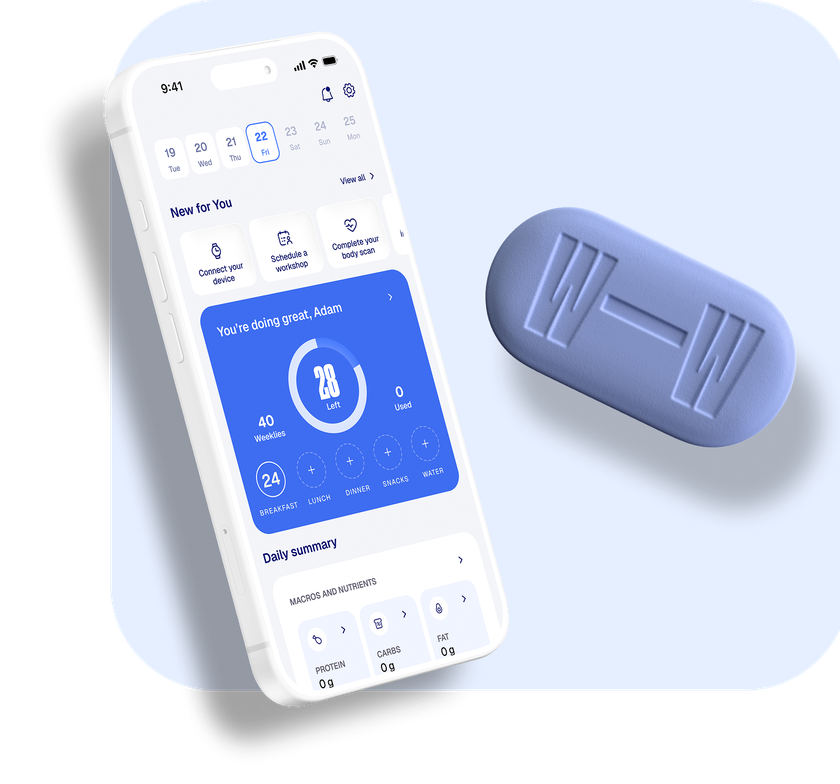
Focused on eating healthier? Curious if weight-loss meds are right for you? We got you covered.
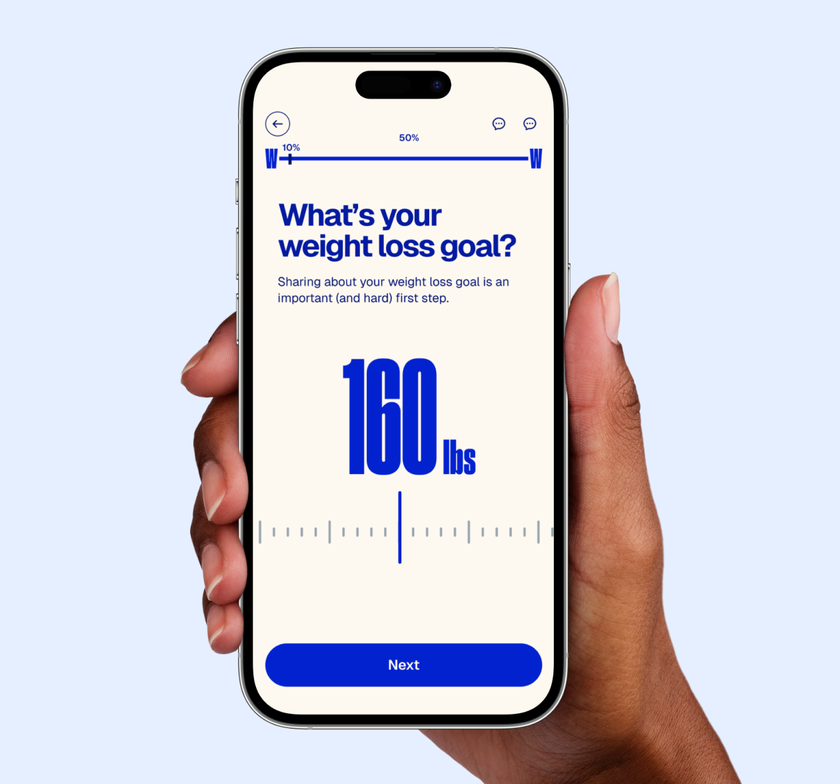
We’ll customize the exact program you need to lose weight based on your body, lifestyle, and goals.

Every day, you’ll make choices that get you to your goals–with a community to cheer you on.
Weight Watchers


"I’m happier, I’m more energetic, and there's no question I'm healthier."

Unable to load plan comparison data. Please try again later.