Why fruits and veggies aren’t zero Points in a smoothie
How you eat ZeroPoint fruits and non-starchy vegetables makes a big difference in how full you feel. Here’s why.
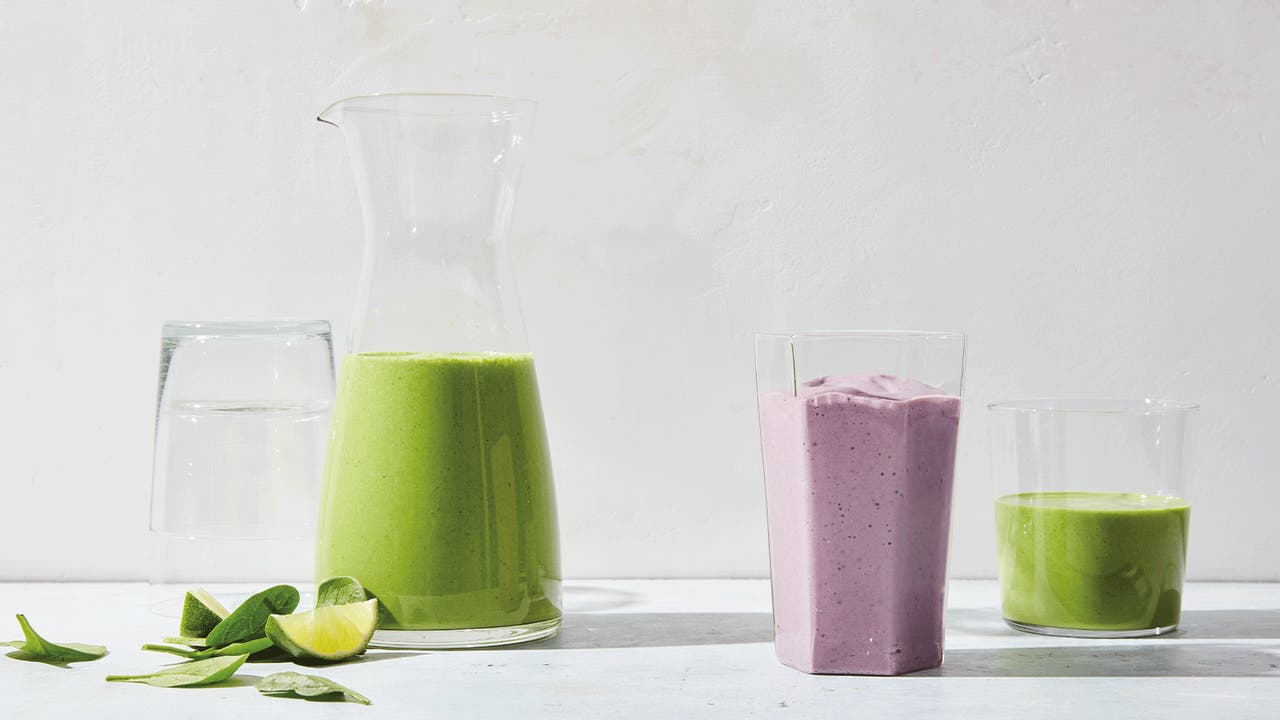
You probably already know that building meals with ZeroPoint foods is a great way to stay in your Budget. But you might have noticed that your non-starchy veggies or fruit have Points values when you track them in a smoothie. What gives?!
Fair question. It’s true that fruits and veggies are zero when you eat them whole. But once they become part of a smoothie, the experience of eating them changes.
Here’s what’s happening
When you drink something, it eliminates the act of chewing, which may impact the signals between your belly and brain that let you know when you’re full.
This means that the smoothie or juice you’re drinking will not promote the same amount of fullness between meals as eating the fruit or veggies.
Also, when you blend (or juice) fruits or veggies, it makes it easier to consume more than you would if you ate that same fruit or vegetable whole.
Imagine if you ate...
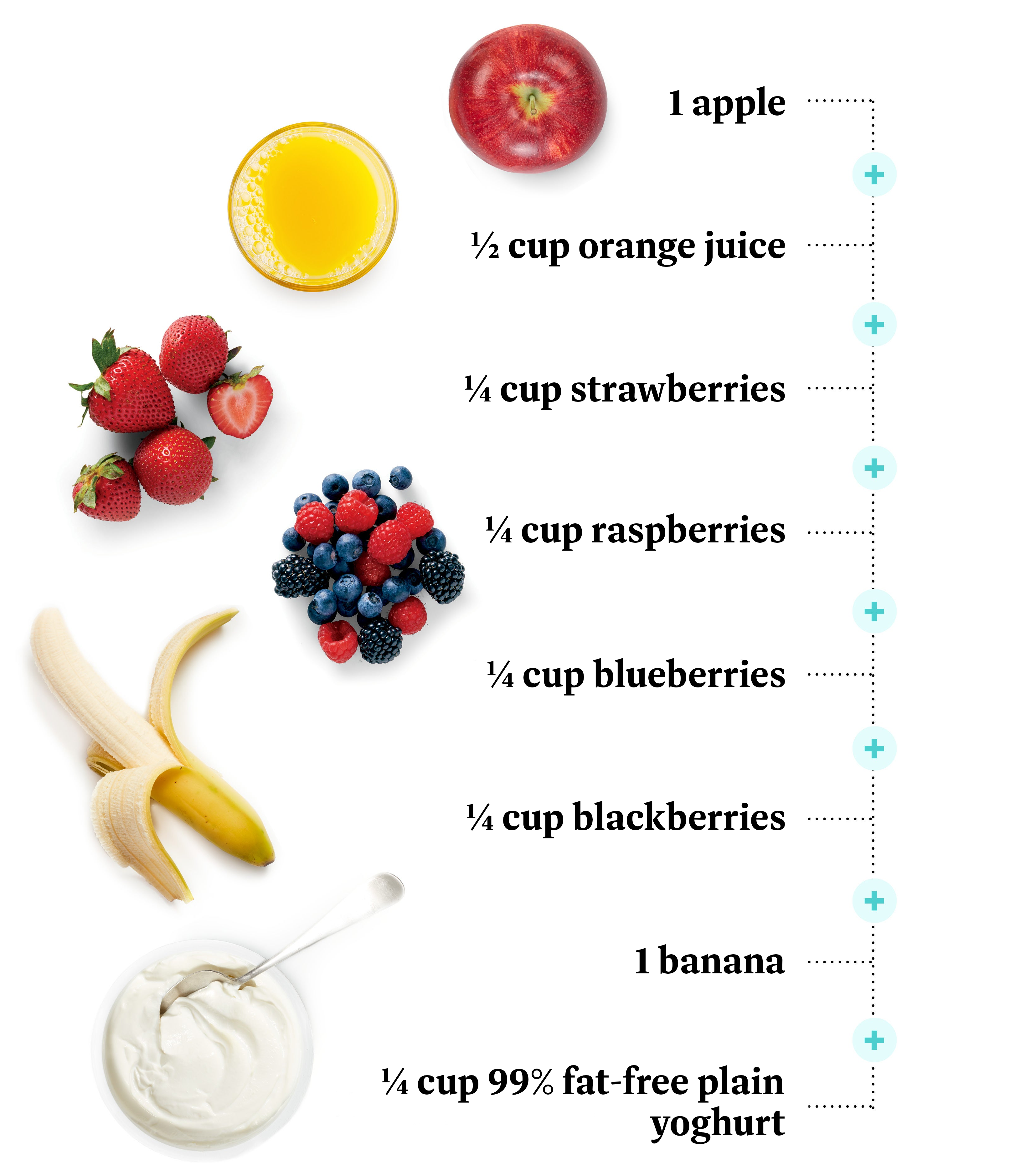
You'd be pretty full, right?
Now imagine if you puréed all of that down and drank it. That smoothie would be gone in a few sips. You might even decide to throw in another banana, and then some more strawberries, maybe some more yoghurt and juice just to fill the cup… (you see where this is going, right?) And because blended fruit has less fibre than whole fruit, you may get hungry sooner—and be more likely to eat more later.
So, what’s the bottom line?
If it’s something you’ll drink, like a juice or smoothie, it will have a Points value. If it’s something you’ll eat, like salsa, sauce, stew, soup, it won’t.
How to track a smoothie
For iOS or Android
Tap the search bar from your dashboard, then tap 'Create'
Tap 'Create recipe'.
Name your recipe, add the ingredients, then click 'Add more details' and make sure to set this recipe to be a drink
Finally, go back to the previous screen and click 'Create Recipe' or tick icon.
On ww.com:
Click 'Create' in the top right corner of My Day
In the dropdown menu, choose 'Recipe'
Name your recipe, add the ingredients, and make sure to select the 'Smoothie/Juice' option
Finally, click 'Create Recipe'